Hi,
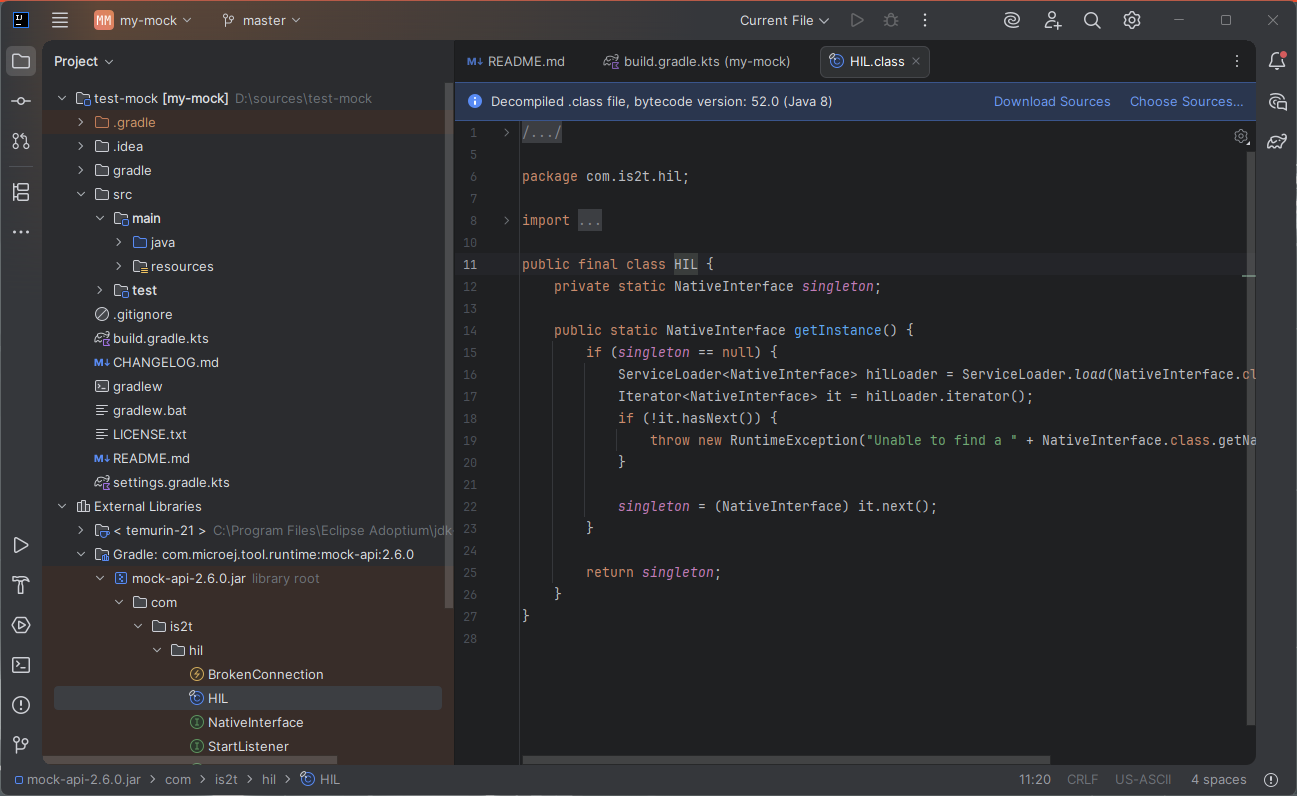
I created a Mock project with IntelliJ and I wanted to have a look at the source code of one of the project dependencies, but as you can see in the following screenshot, the class is decompiled, it does not get the Java source:
I checked in the MicroEJ module repository, the sources jar is available (https://repository.microej.com/modules/com/microej/tool/runtime/mock-api/2.6.0/mock-api-2.6.0-sources.jar). Is there a way to automatically fetch and use the sources?
Hello, yes you can activate an option in IntelliJ IDEA (also available on Android Studio) that will automatically fetch the library sources when you add them!
You need to go to File > Settings... > Advanced Settings and there will be an option called Download sources in the Build Tools. Gradle category. Activate it and you’re done!
That works fine. Thanks!
I also see there is another option below called Automatically download sources for a file when opened:

but it was already checked for me.